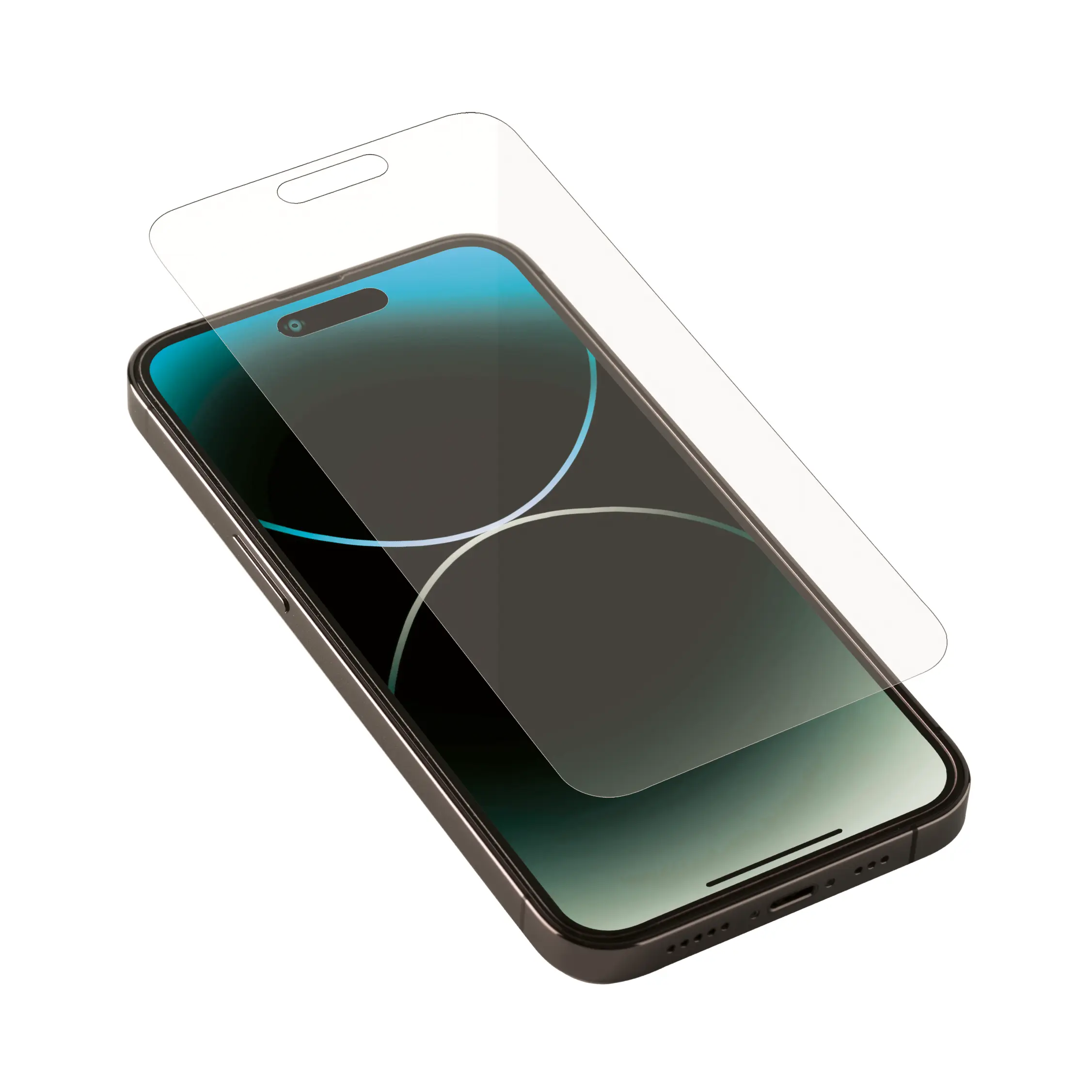
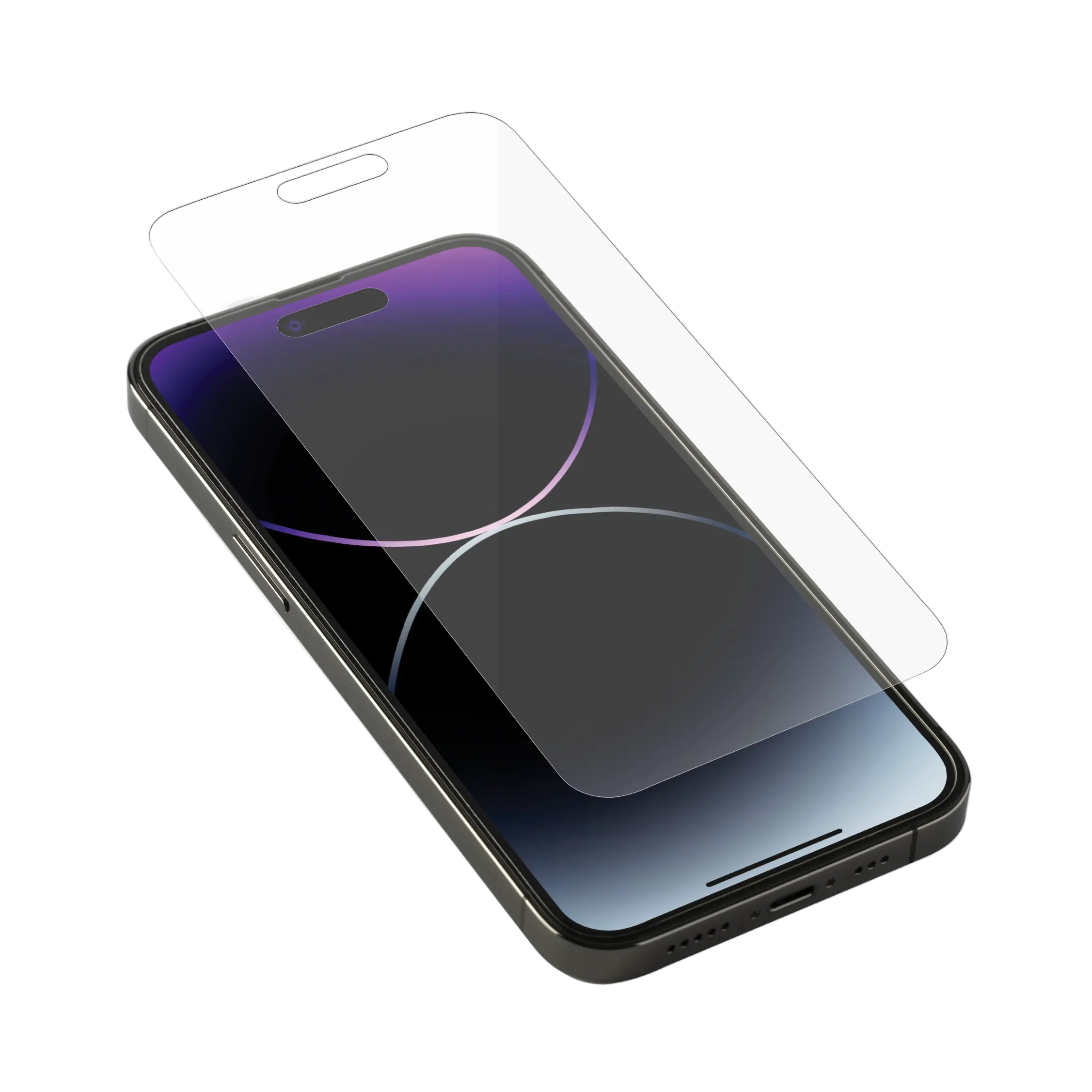
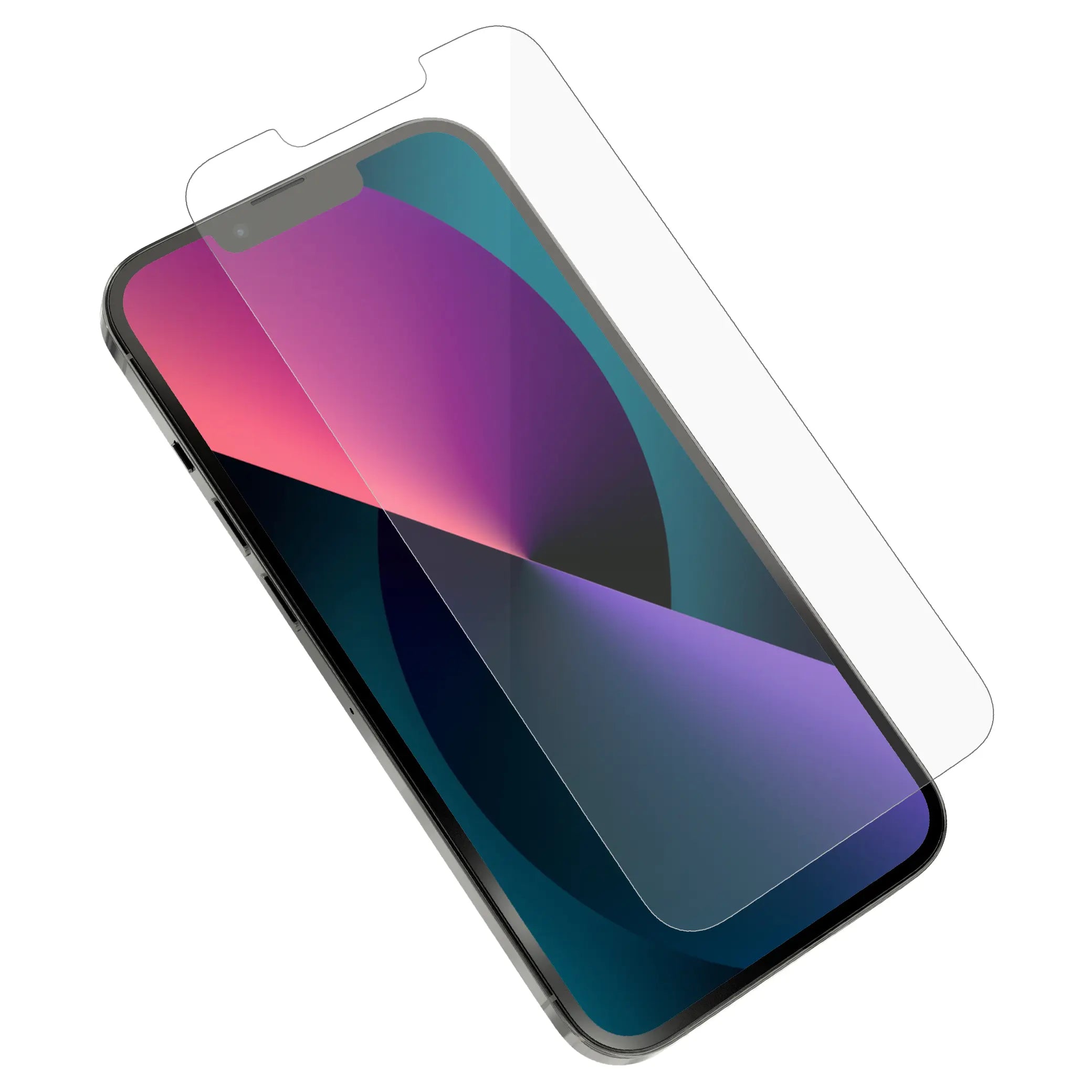
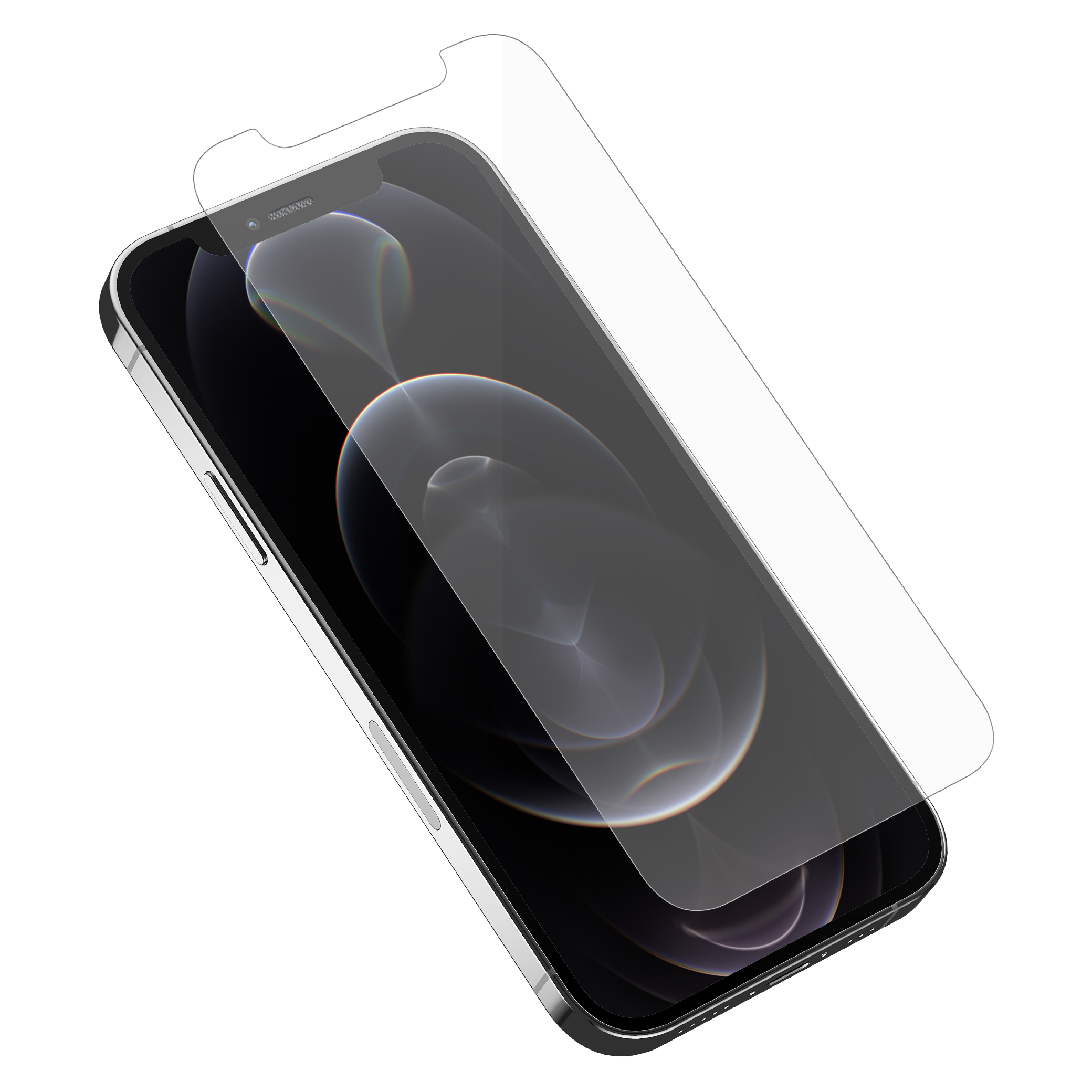
iPhone 18 Pro
iPhone 18 Pro Max
iPhone Duo
iPhone 17 Pro Max
iPhone 17 Pro
iPhone 17 Air
iPhone 16 Plus
iPhone 16 Pro
iPhone 16 Pro Max
iPhone 16e
iPhone 15 Plus
iPhone 15 Pro
iPhone 15 Pro Max
iPhone 14 Plus
iPhone 14 Pro
iPhone 14 Pro Max
iPhone 13 Pro
iPhone 13 Pro Max
iPhone 13 mini
iPhone 12 Pro
iPhone 12 Pro Max
iPhone 12 Mini
Not sure which iPhone you have? Follow these quick steps to find your exact model.
On your iPhone, open Settings, then tap General and select About.
On the About screen, look for Model Name. This will show your exact iPhone model.
Once you know your iPhone model, return to this page and select the matching model to find the right screen protector.
Find your iPhone model in 10 seconds
Tap Settings gray gear icon
Tap General
Tap About
Look for Model Name
That's it – e.g. "iPhone 15"